ClientsVideo · 0:39
The client portal: see, move and message
What your clients see when they sign in: their sessions, a self-service way to change the time, and a direct line to you.
- 01
Sign in with Google or email
Clients sign in with the same email they booked with. Every session they've booked with any therapist on Sessio appears in one place.
- 02
See what's next
Upcoming sessions show the date and time, how to join, and whether the session is paid.
- 03
Change the time
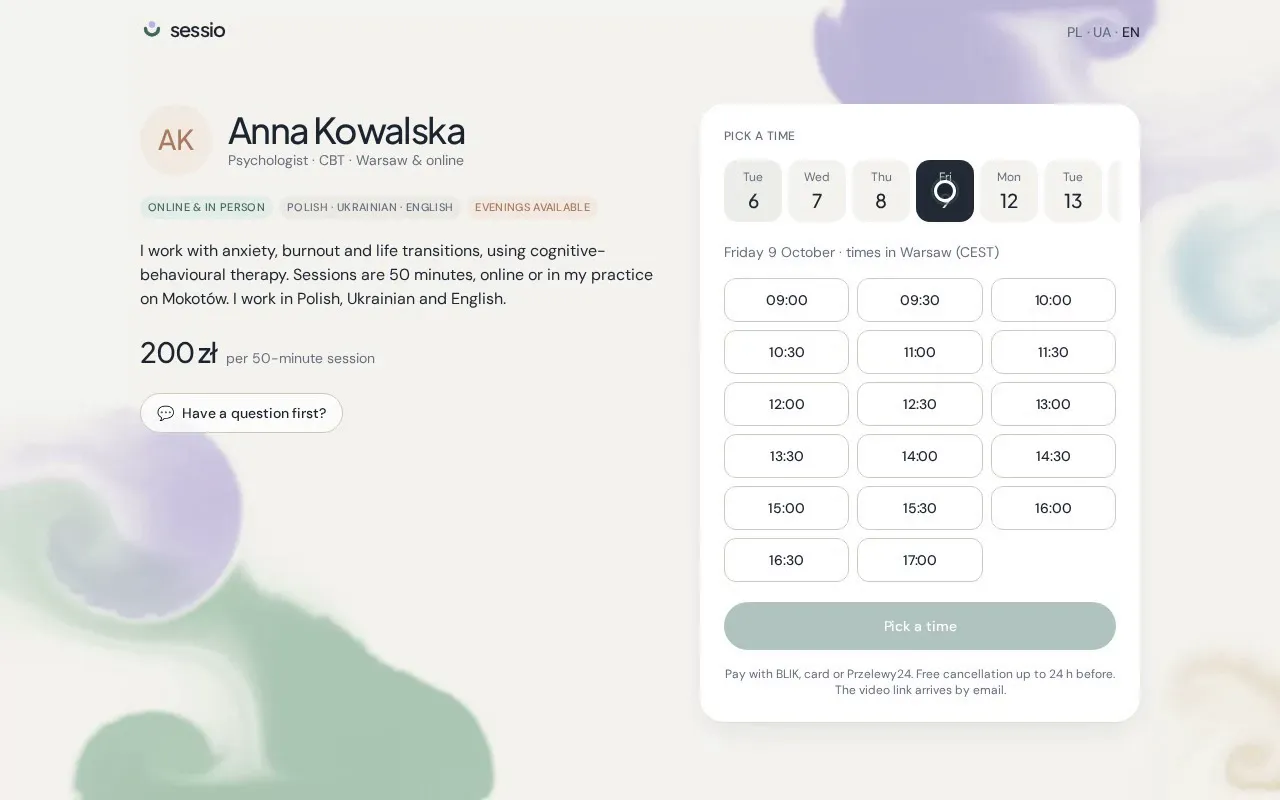
Inside the therapist's window, a client can pick another free time on their own. The therapist sees the change straight away, and the old time is freed for someone else.
- 04
Write to the therapist
Messages go to the therapist's inbox and they reply by email or in the portal. Sessio is not an emergency service — in an emergency, call 112.