Set up your booking page
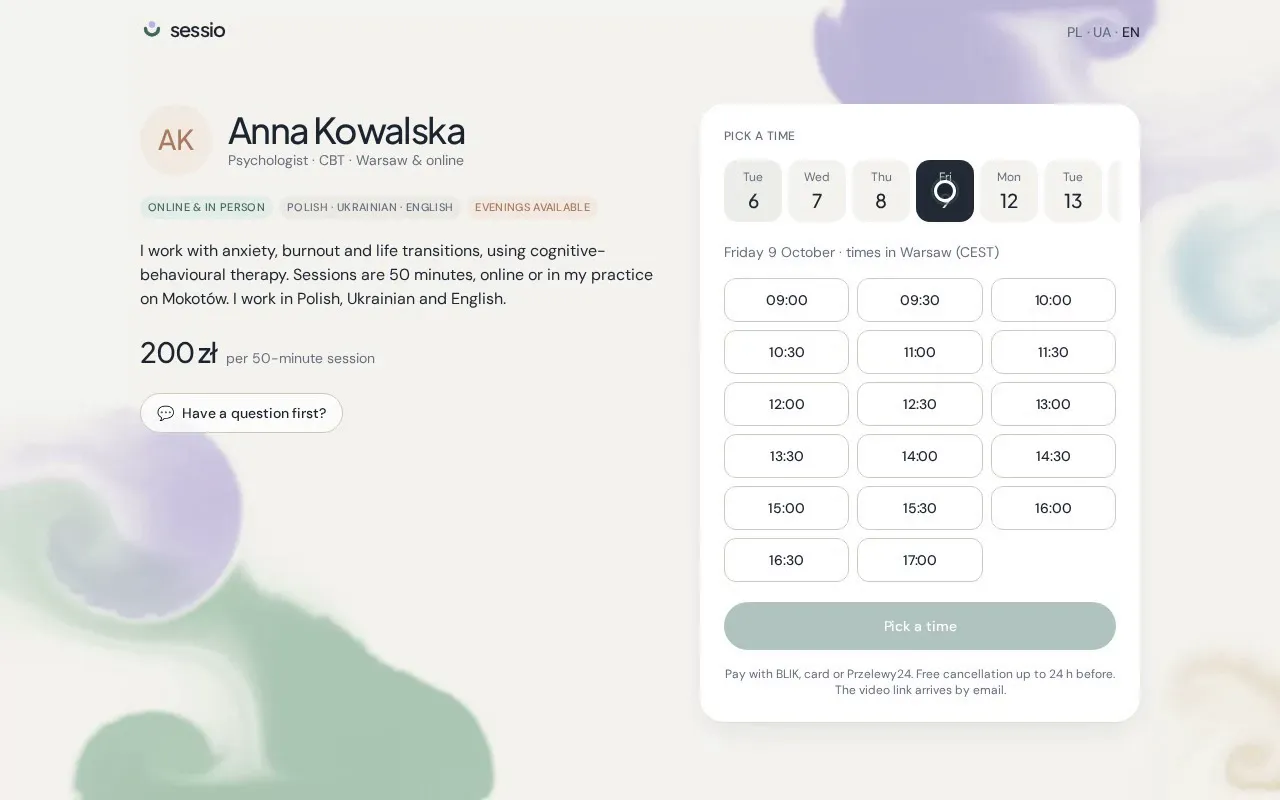
Your name, your words, your price and your hours — the page clients book from, ready in about ten minutes.
- 01
Open Booking page
In the sidebar, choose Booking page. At the top you'll see your own link — usesessio.com/your-name — with buttons to copy it or open the page as a client sees it.
- 02
Write a few words for clients
Add your title (for example “Psychologist · CBT”), the city, and two or three sentences on who you work with and how. Plain language works best.
- 03
Set your session
Choose the length and the price in złoty. Clients prepay this amount when they book, straight into your own Stripe account.
- 04
Choose when you work
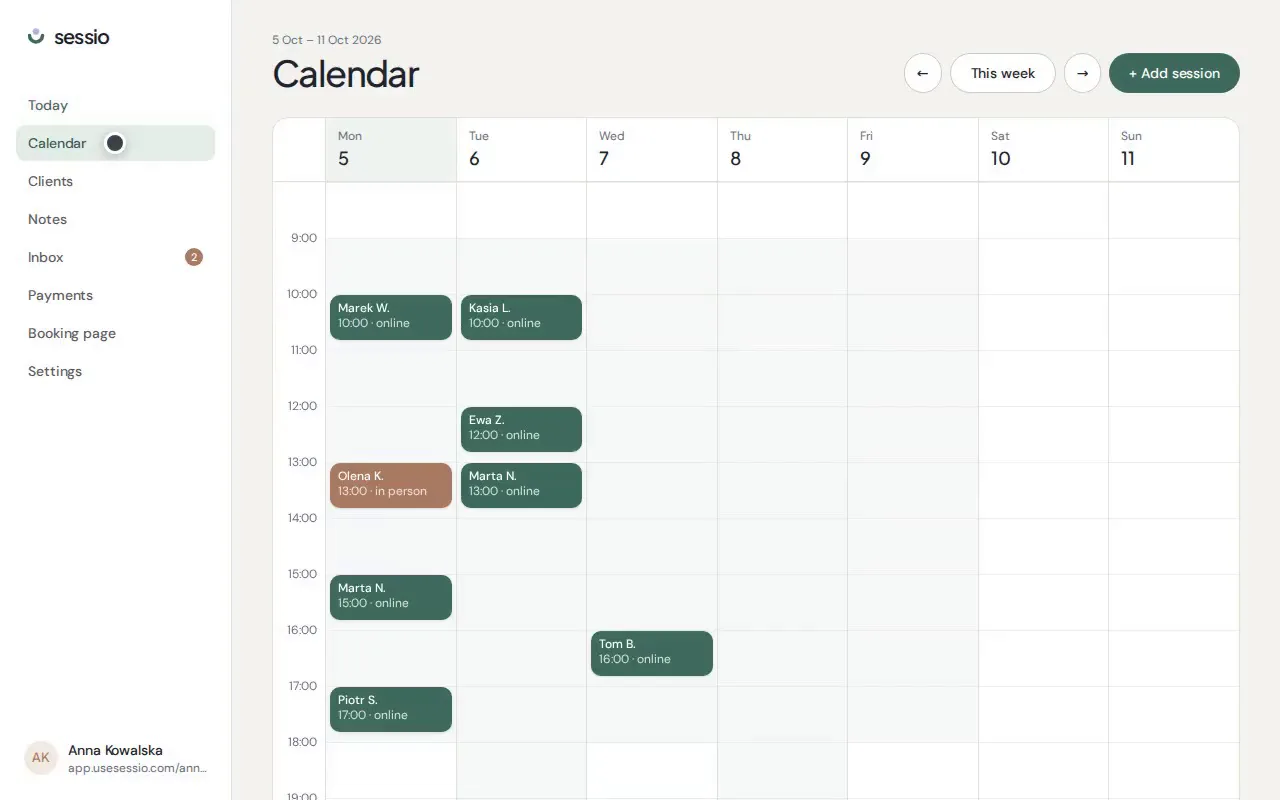
Tick the days you work and set the hours. Clients can only pick times inside these hours, shown in Warsaw time. Existing sessions are blocked out automatically.
- 05
Pick your languages and save
Your page switches between Polish, Ukrainian and English. Save, then open the page to see it exactly as a client would.