Connect Stripe and get paid directly
Clients pay into your own Stripe account. Sessio never holds your money and takes 0% commission.
- 01
Open Payments
In the sidebar, choose Payments and find the Payouts card. Until Stripe is connected, your booking page can't take paid bookings.
- 02
Connect Stripe
Press Connect Stripe. You'll go to Stripe's own secure pages — Sessio never sees your bank or identity details.
- 03
Tell Stripe about your practice
Stripe asks for your details as a sole trader or company, your bank account for payouts, and a quick identity check. Have your NIP and IBAN ready.
- 04
Come back to Sessio
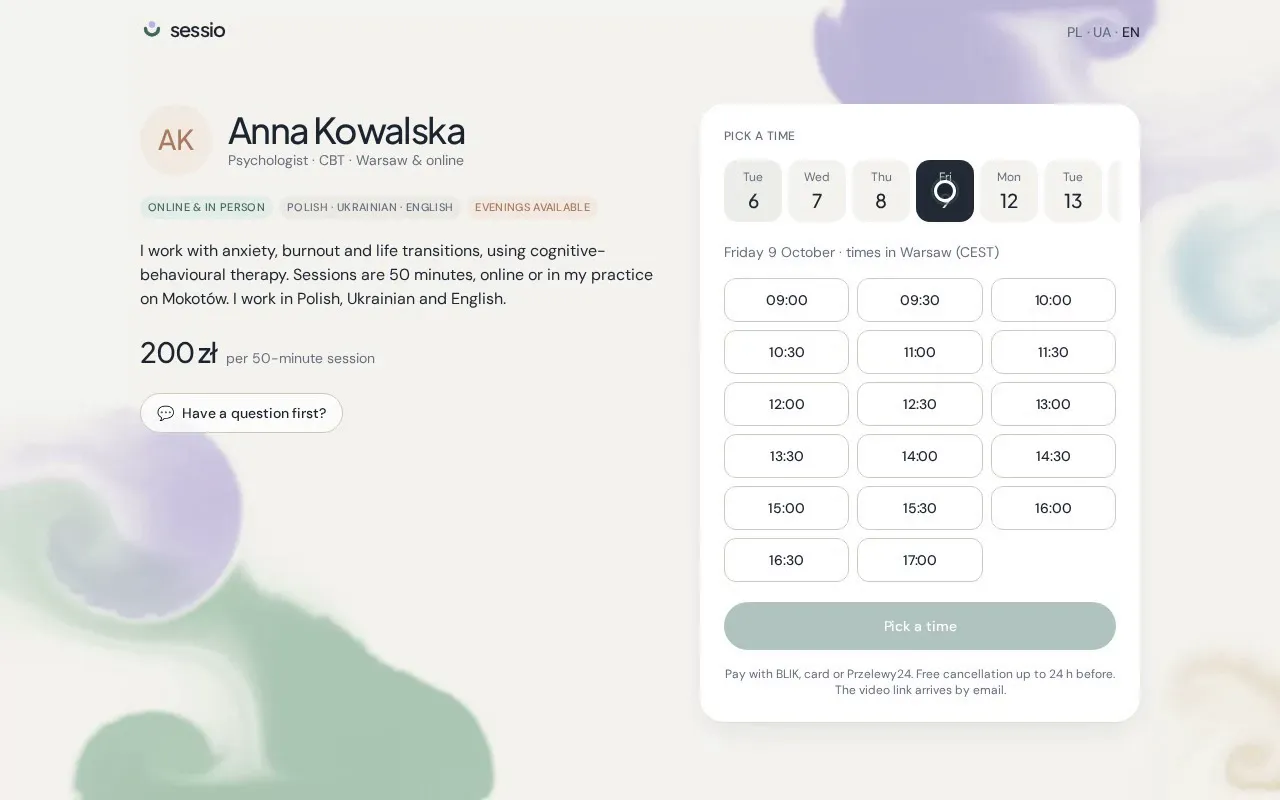
When Stripe is done, you return to Payments and the card says Connected. Your booking page starts taking BLIK, card and Przelewy24 straight away.
- 05
Get paid out
Stripe pays out to your bank on its usual schedule. Stripe's processing fees apply; Sessio adds nothing on top of your 149 zł monthly plan.